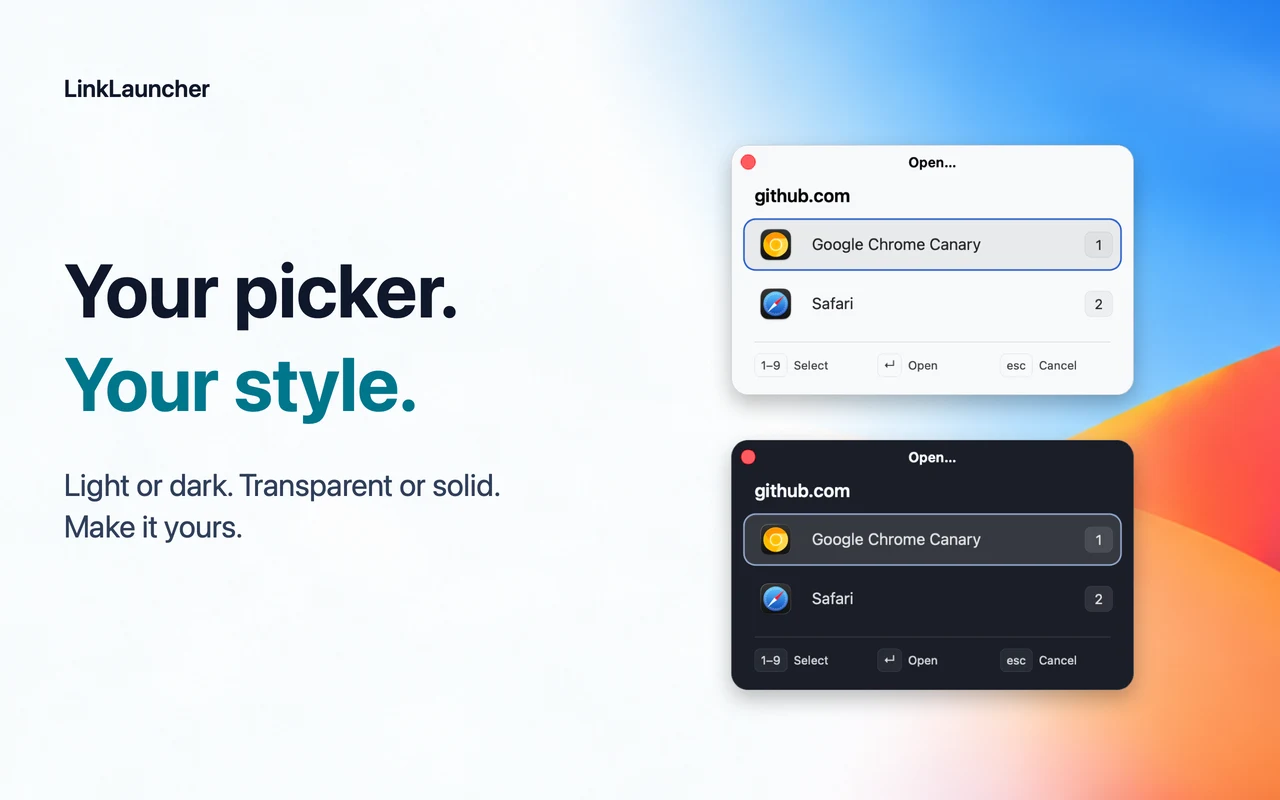
Your picker. Your style.
Light or dark. Transparent or solid. Make it yours.

Work and personal browsing in different browsers? LinkLauncher opens web links in the browser that fits. Choose where a link should go right at your pointer, or create rules that make the decision for you.
Mac App Store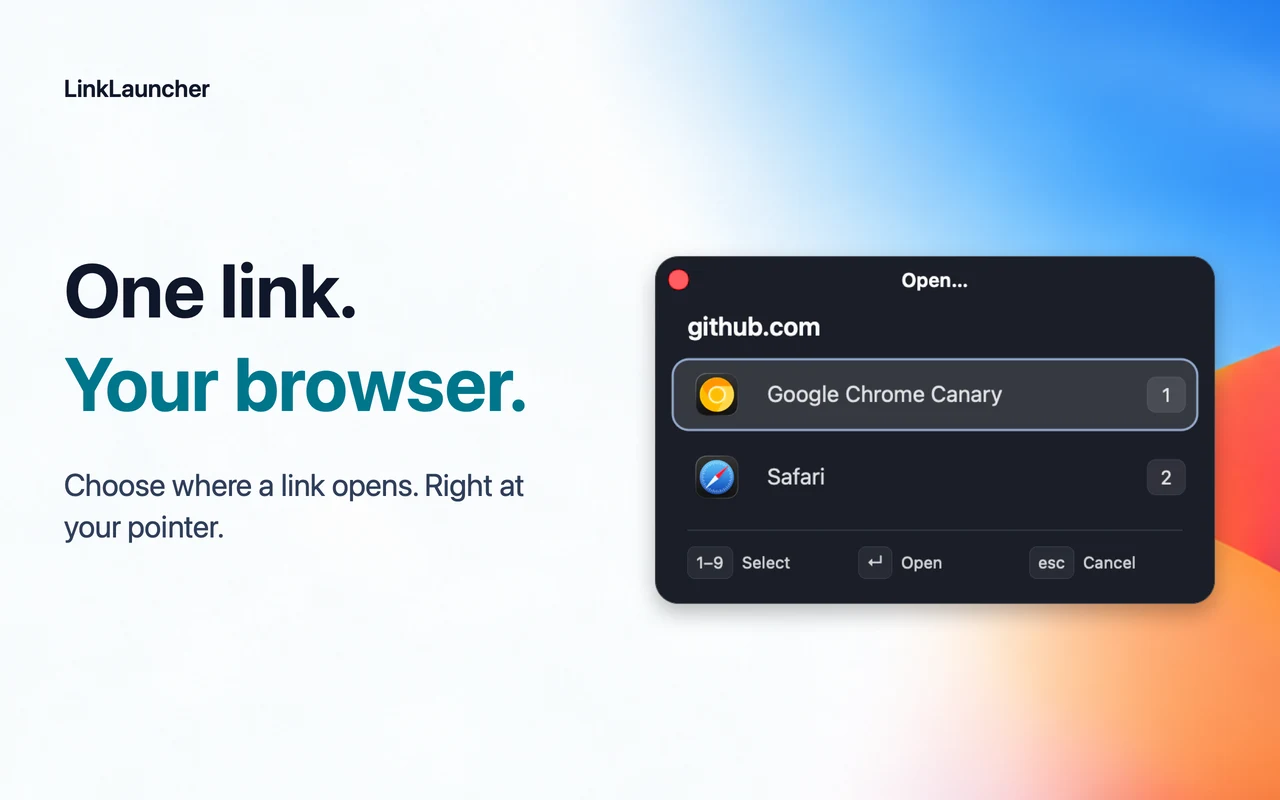
Choose where a link opens. Right at your pointer.
Light or dark. Transparent or solid. Make it yours.
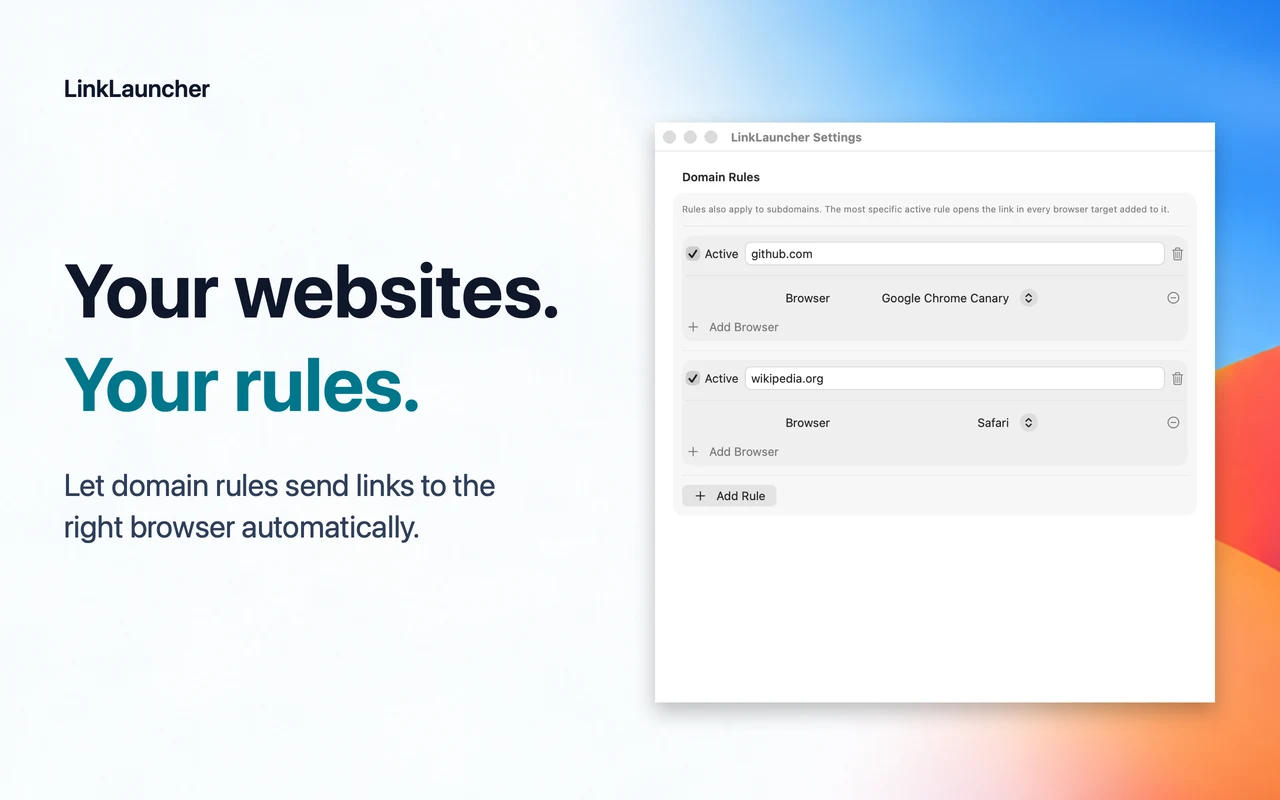
Let domain rules send links to the right browser automatically.
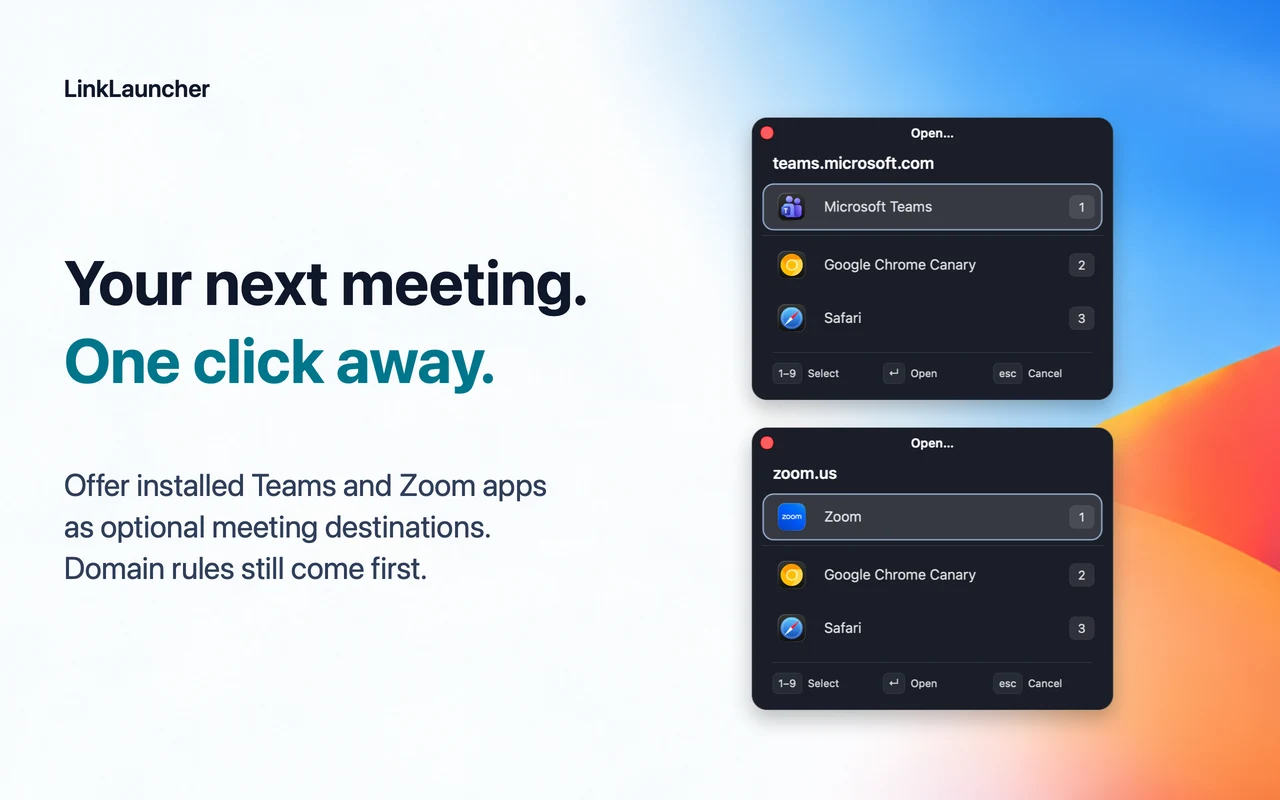
Offer installed Teams and Zoom apps as optional meeting destinations. Domain rules still come first.
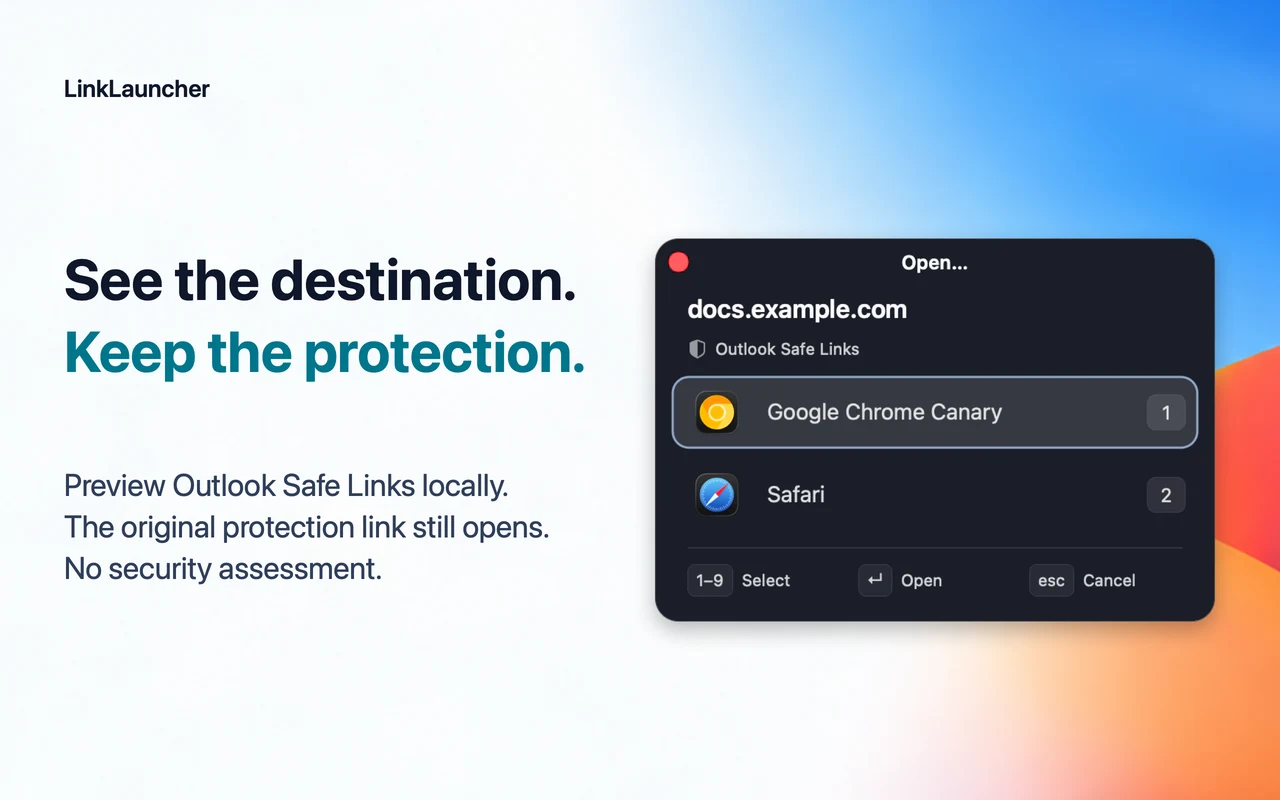
Preview Outlook Safe Links locally. The original protection link still opens. No security assessment.
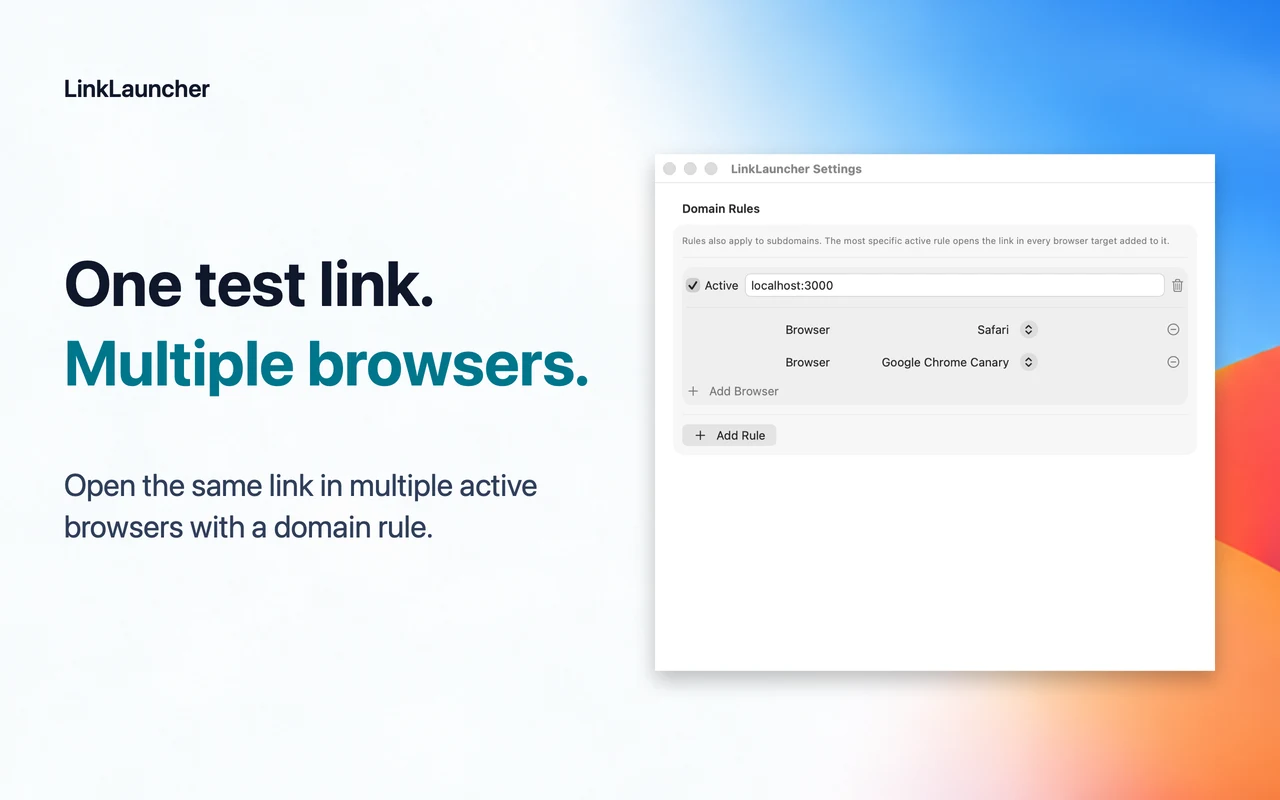
Open the same link in multiple active browsers with a domain rule.
Open work links in your work browser, personal links in your personal browser, and testing links wherever you need them. For the next link, you can activate the browser chooser with a global keyboard shortcut.
Test your website in different browsers: create a domain rule with multiple browser targets to open the same link sequentially in the configured active browsers. Compare appearance and behavior without pasting the address into each browser separately.
The first two enabled browsers in your Settings order are available in the chooser and domain rules. Enable, disable or reorder browsers anytime; disabled browsers do not use slots.
Two optional one-time purchases raise the limit to three active browsers or to unlimited browsers. The three-browser purchase makes the first three enabled browsers available. A three-browser purchase is not credited toward Unlimited, so Unlimited costs less when purchased directly than when both upgrades are purchased.
No user account, advertising, usage analytics, or tracking. LinkLauncher uses no cloud service. Browser choices, rules, and settings remain locally on your Mac.
Choose Standard, Compact or icon layouts, Light, Dark or System appearance and optional transparency. macOS Reduce Transparency takes precedence. Show the domain or full URL; optionally preview the embedded Outlook Safe Links target locally. The original protection link still opens; no network lookup or safety assessment is performed.
Keep the chooser open until you select a destination, press Escape or close it, with no automatic timeout. Pause routing to open links directly in the fallback browser. Optionally offer installed Teams and Zoom apps for meeting links; domain rules take priority.
LinkLauncher is a menu bar app for macOS 14 and later. All features are free with up to two active browsers; optional one-time purchases add browser slots.
Questions, problems or feedback? Contact apps@geekmonks.de.
Include your macOS and LinkLauncher versions, the affected browser and steps to reproduce the problem. Do not send passwords, private links or profile data.